2012/active-directory/2012/04/13/
Don't rejoin to fix a broken trust relationship
Repair a computer's secure channel with the domain instead of removing and rejoining it. Originally published April 2012, refreshed 2026.
Hands-on steps for Windows, Mac and Linux, from file checksums to content credentials.
Published digestSHA-256 of an empty file
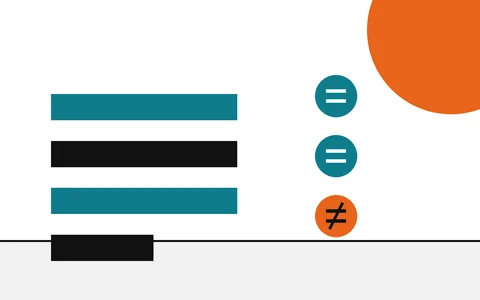
Equal in all eight groups. One changed byte would change every one of them.
Your copyprinted by the command on your machine
Published digest: e3b0c442 98fc1c14 9afbf4c8 996fb924 27ae41e4 649b934c a495991b 7852b855. Your copy: e3b0c442 98fc1c14 9afbf4c8 996fb924 27ae41e4 649b934c a495991b 7852b855. All 64 characters agree.
Every character agrees. Your file is the one that was published.
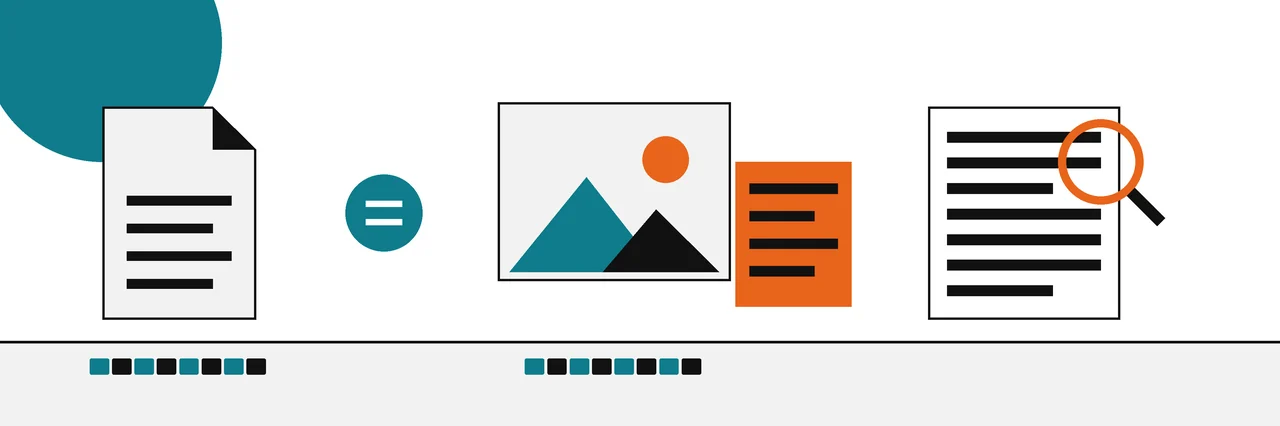
Find the thing in front of you. Teal is a file or download; orange is a picture, a document or text.
Six kinds of evidence, strongest first. The top rungs can prove a fact; the bottom rungs can only tell you where to look.
Proves the file came from the holder of a signing key and has not changed since it was signed.
Proves your copy is identical, bit for bit, to the copy the published hash was taken from.
Records who made or edited an image and with what, signed so that later changes show.
Says which camera, app or date produced a file. Anyone with an editor can rewrite it.
Can suggest a known AI tool made it, if the mark survived editing and you have a way to read it.
A statistical guess. It can tell you to look closer; on its own it proves nothing.
1 is proof6 is an estimate
The original check: compute a file's fingerprint and compare it with the one the publisher posted.
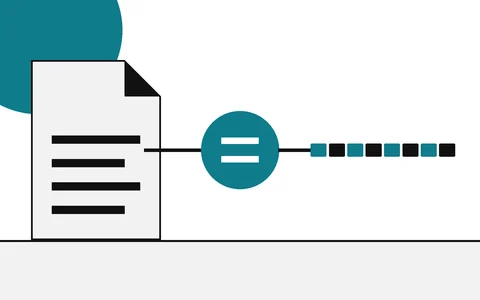
A short fingerprint computed from every byte of a file, and why one changed byte changes all of it.
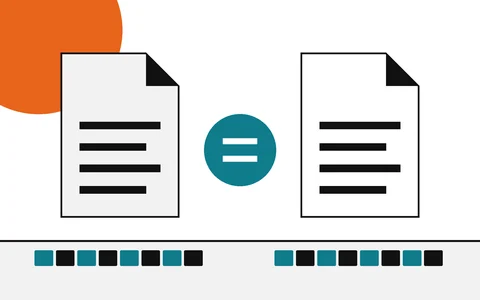
Find the published hash, compute your own on your system, and compare every character.
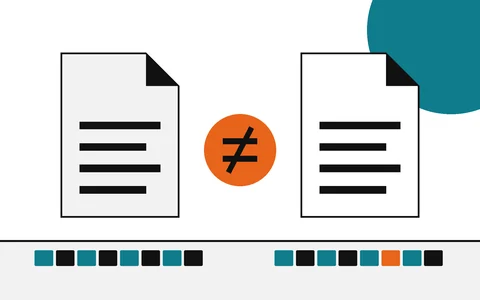
What a different hash means, the harmless causes, and when to delete the file.
Which algorithm to rely on today, and which only catch accidents.
The same habit for photos, documents and drafts: look for signed records first, and treat guesses as guesses.
Open a photo's provenance record and read each claim, signature and hash it carries.
Work down from credentials and metadata to visual clues, and know where proof stops.
Keep a dated, hashed record of each draft so you can show your work later.
Check large model files against the digests the hub publishes before you load them.
HashTab put a file's hashes in a tab of the Properties dialog, and many old forum posts still say to check with it.
There is no HashTab download on this site, and you do not need one.
Windows, macOS and Linux each ship a command that prints the same SHA-256.
Built in, nothing to install. Replace file.iso with the name of your file.
Get-FileHash .\file.iso -Algorithm SHA256shasum -a 256 file.isosha256sum file.iso
The SHA-256 that checks a download is also the core of a content credential. Learn the first and you already understand the second.
The publisher posts a digest. You compute yours. Equal means your file is the one they published.
Same function, same rule: change one byte and the digest changes.
The credential stores a digest of the image and signs it. A validator recomputes it. Equal means the content is what was signed.
| Date | Entry | Figure |
|---|---|---|
| Check a file's hash on Windows 10 and 11 PowerShell and Command Prompt, with the output you should see. |  | |
| Check a hash on a Mac One Terminal command, and how to compare the result without squinting. |  | |
| Check content credentials See who signed an image, which edits it records, and what a broken credential means. |  | |
| Perceptual hash vs SHA-256 Why a resized photo still matches one kind of hash and not the other. |  |
Older sysadmin notes from this domain, refreshed and kept at the addresses old links expect.
Repair a computer's secure channel with the domain instead of removing and rejoining it. Originally published April 2012, refreshed 2026.
What the utility did, and how to view and edit environment variables with what Windows already has.
Every guide shows the exact command, the system it applies to and the sources behind it. Strong evidence is called strong; a guess is called a guess.